What is RadarDesk?
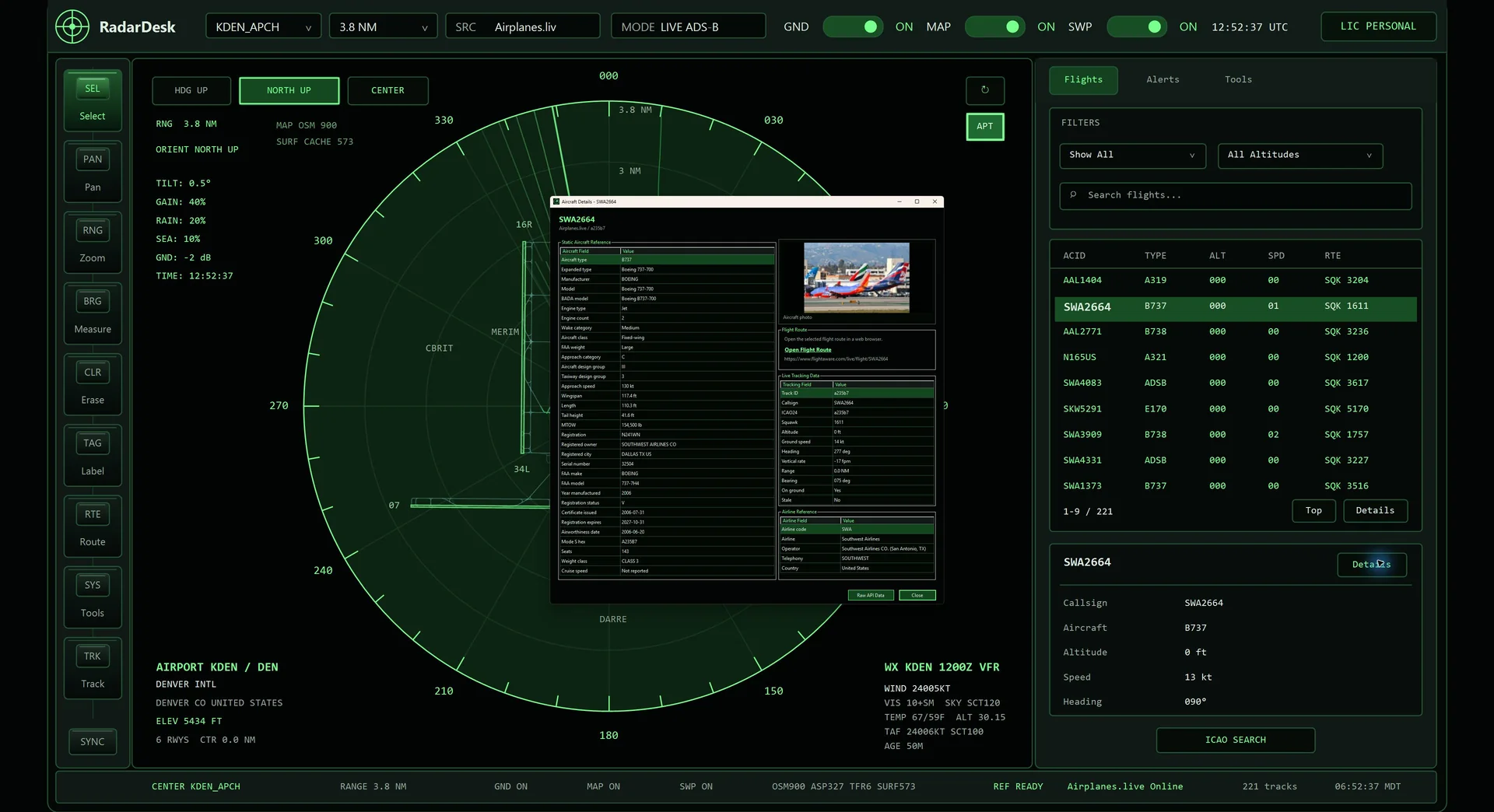
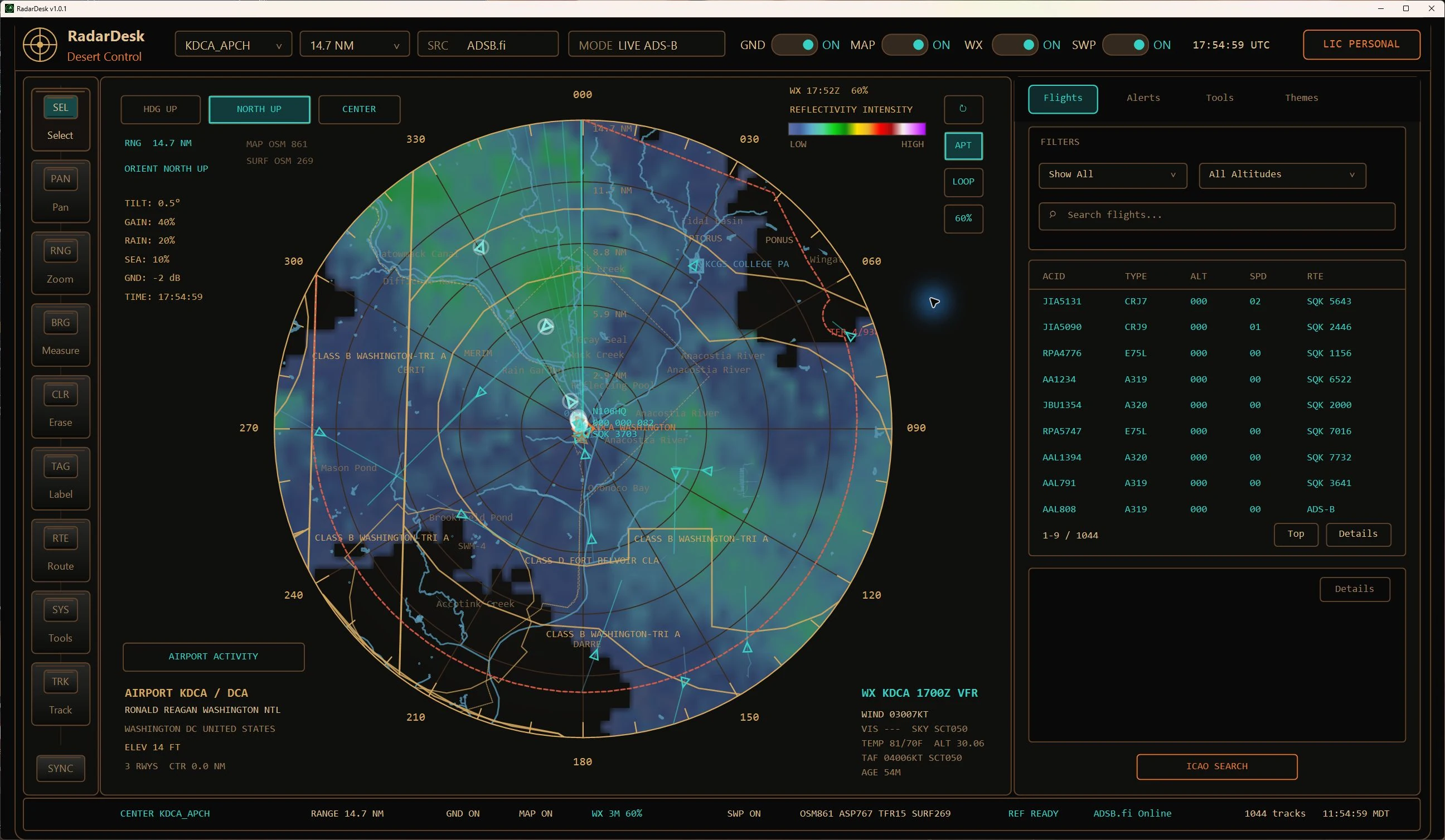
RadarDesk is a themeable Windows desktop ADS-B radar console. It presents live nearby aircraft on an ATC-inspired scope and adds animated NOAA/NWS weather radar, a dedicated Airport Activity view, runways, maps, airspace, TFRs, and local FAA reference data.
Where does the live aircraft data come from?
RadarDesk 1.1 supports ADSB.fi, ADSB.lol, and a personal Local ADS-B receiver with a compatible API. You supply the local receiver name and URL in your own settings. Provider availability, coverage, delay, and completeness vary by location and service; a local receiver cannot extend its physical reception range.
Can I center the radar on any airport?
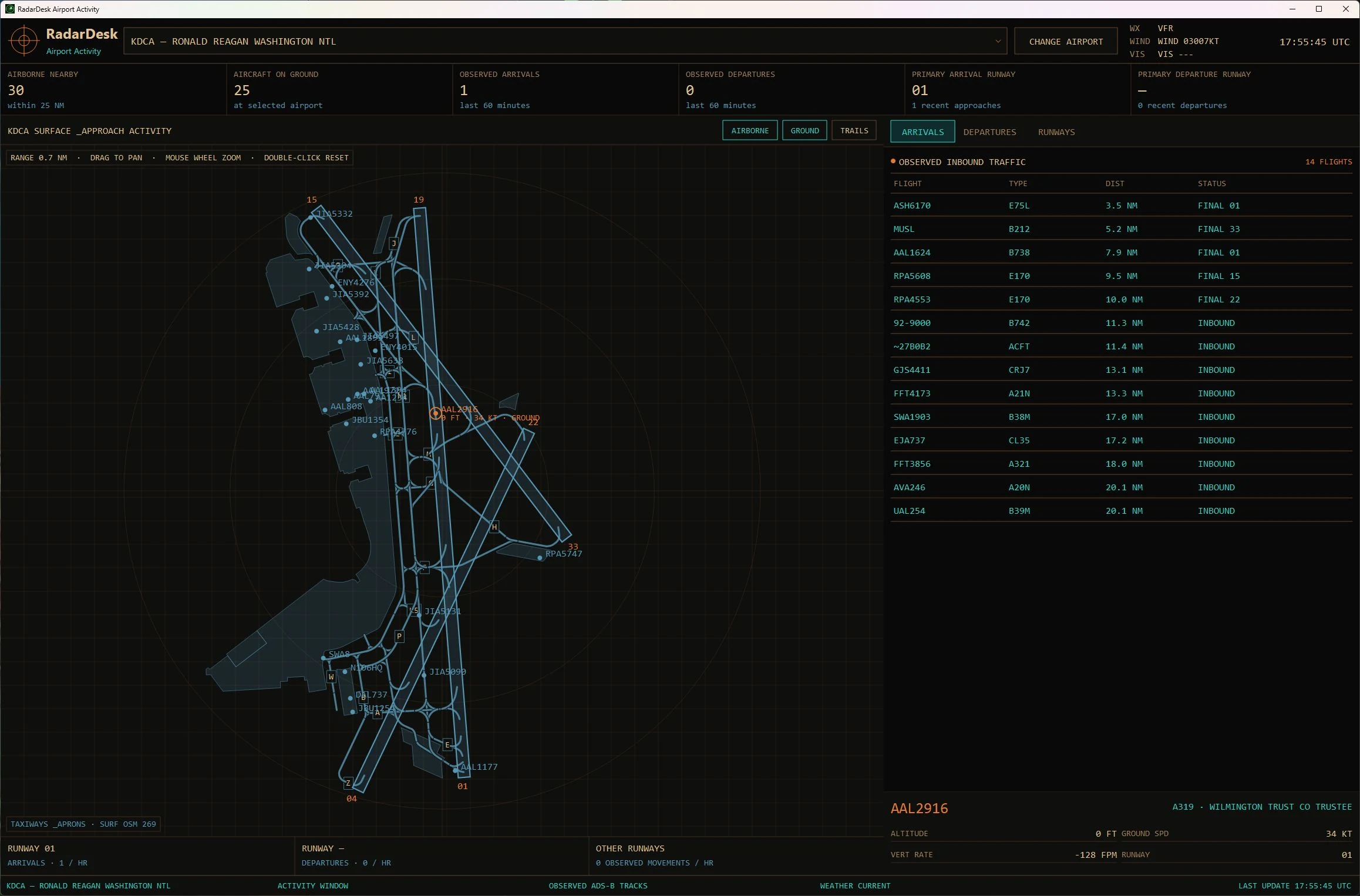
You can select airports from RadarDesk’s reference data by code or search, save favorites, and quickly return to recent locations. The Airport Activity view can then show the field layout and organize ground, arriving, departing, and inbound traffic around that airport. Available detail varies by source.
How does the live weather radar work?
RadarDesk can overlay animated NOAA/NWS base-reflectivity radar frames on the scope, with a color legend and playback controls. Weather availability and freshness depend on NOAA/NWS services and your internet connection.
What does Airport Activity track?
Airport Activity combines received ADS-B traffic with airport surface geometry. It separates airborne and on-ground aircraft, counts rolling 60-minute and per-airport cumulative arrivals and departures since launch, identifies likely runway use, and can flag touch-and-go activity when the track supports it. Events are inferred from available data. The window displays received snapshots; the optional 1.1 main-scope smoothing does not apply to Airport Activity.
Does RadarDesk work without an internet connection?
Local reference databases and saved preferences remain on your computer. RadarDesk 1.1 also reuses cached map tiles and validated chart PDFs. Fresh downloads, public aircraft feeds, weather, geocoding, and refreshed FAA data need an internet connection; a configured local receiver needs access to its network.
What is new in RadarDesk 1.1?
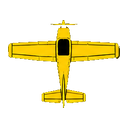
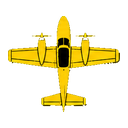
Version 1.1 adds cached ground maps, a dedicated FAA VFR and IFR chart viewer, aircraft sprites, customizable labels and colors, Center Home locking, personal Local ADS-B receivers, and more. Explore what’s new in 1.1 for the complete feature tour, or open the bundled guide from Help in RadarDesk.
Does RadarDesk record flights for replay?
No. Live trails and Airport Activity help you follow the current session. In 1.1, diagnostic logs stay in memory for the session; RadarDesk does not write aircraft snapshot or position-history archives. Settings, reference data, cached maps and charts, curated images, and screenshots still save normally.
Can I use RadarDesk for flight safety or air traffic control?
No. RadarDesk is for informational and entertainment use only. It must not be used for navigation, collision avoidance, operational ATC, dispatch, emergency response, or any safety-critical aviation decision.