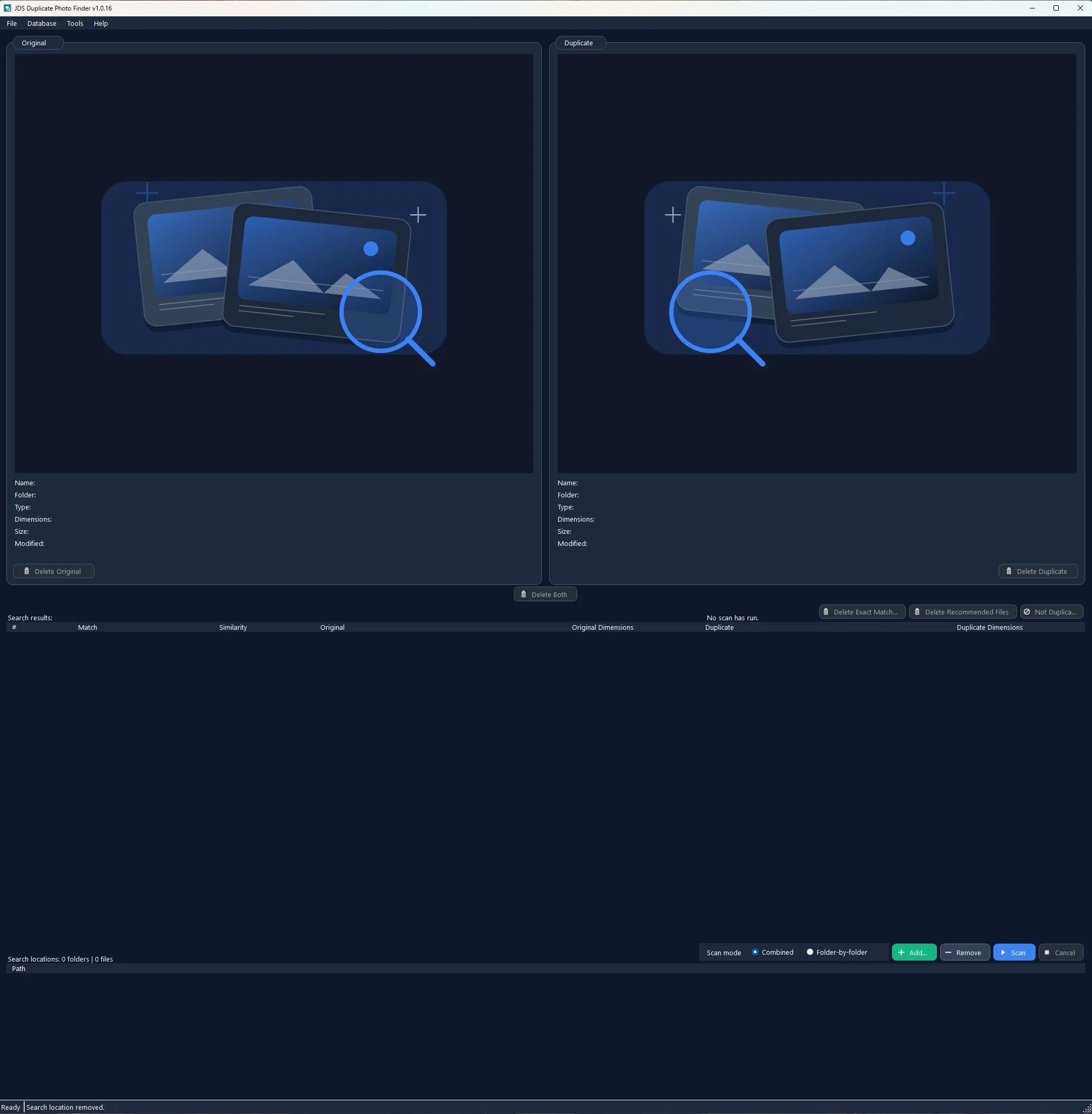
Find more than file copies.
Catch byte-identical duplicates plus versions changed by resizing, compression, moderate reframing, outpainting, or light edits.
Duplicate photo cleanup for Windows
Find exact duplicates and visually similar photos—even when copies have been resized, recompressed, reframed, or lightly edited.
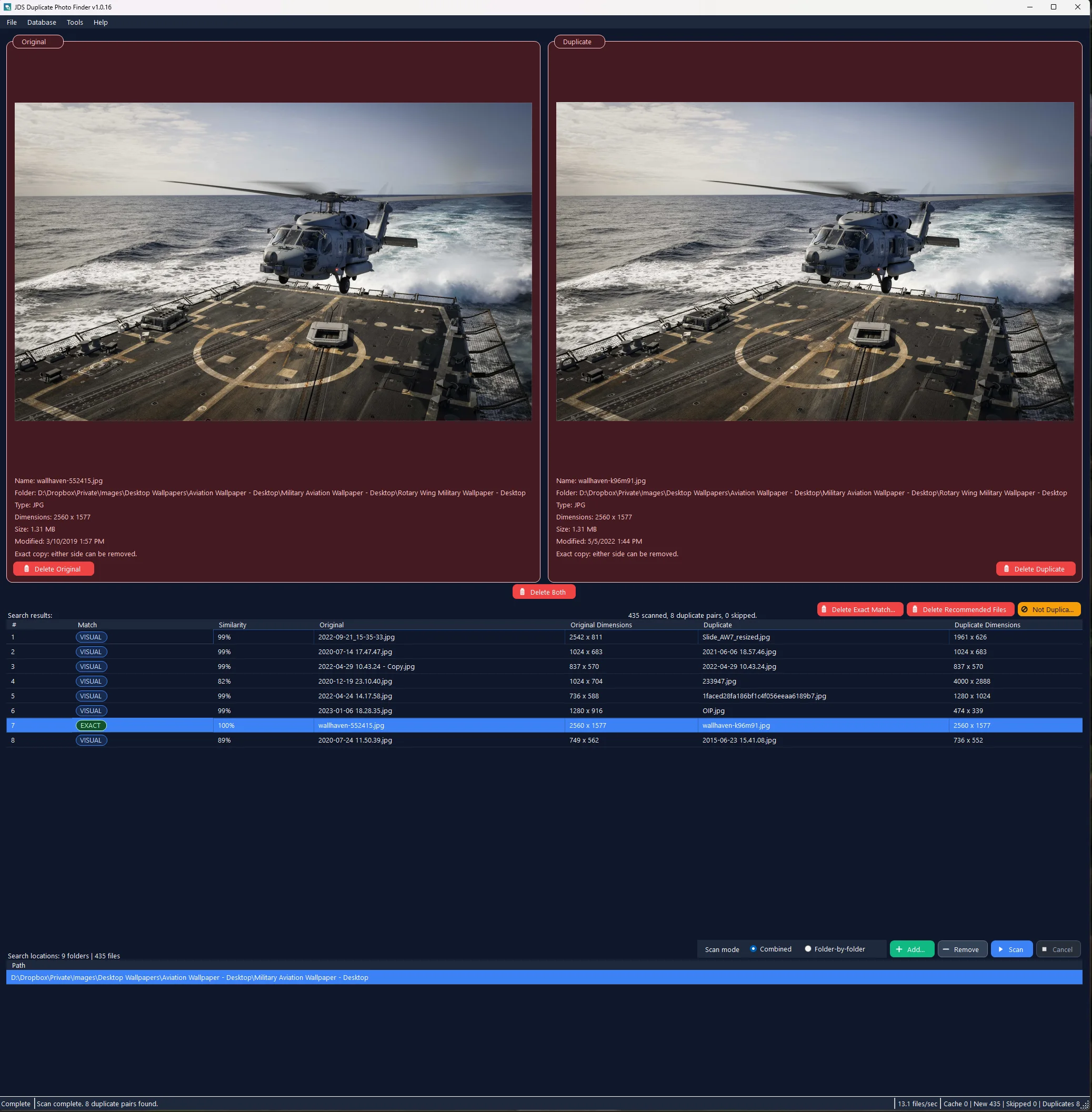
Photo folders collect originals, exports, downloads, edited copies, and resized versions. JDS Duplicate Photo Finder brings those related files together so you can decide what stays.
A deliberate cleanup workflow
The app does the searching and organizes the evidence. You stay in control of every cleanup decision.
Scan one folder, compare across several folders, or review each selected location independently.
JPG · JPEG · PNG · GIF · BMP · TIFF · JFIFExact file hashes and visual analysis uncover identical files, transformed copies, and related near-variants.
SHA-256 + perceptual image analysisCompare both images, their dimensions, size, date, match type, and a clear keep or remove recommendation.
Exact · Visual · SimilarBuilt for careful decisions
Fast detection matters. So do understandable results, conservative recommendations, and a safe way to act.
Catch byte-identical duplicates plus versions changed by resizing, compression, moderate reframing, outpainting, or light edits.
See both images with file names, folders, formats, dimensions, sizes, and modified dates before you make a choice.
The app prefers higher dimensions, then larger file size, then the newer modified date—and explains the reason.
Delete one file, both files, recommended removals, or byte-for-byte exact matches. Visual and Similar matches remain below 100% so they are never confused with exact certainty.
Background scanning, reusable local analysis cache, cancellation, responsive progress, and optional GPU acceleration keep large reviews moving.
Product tour
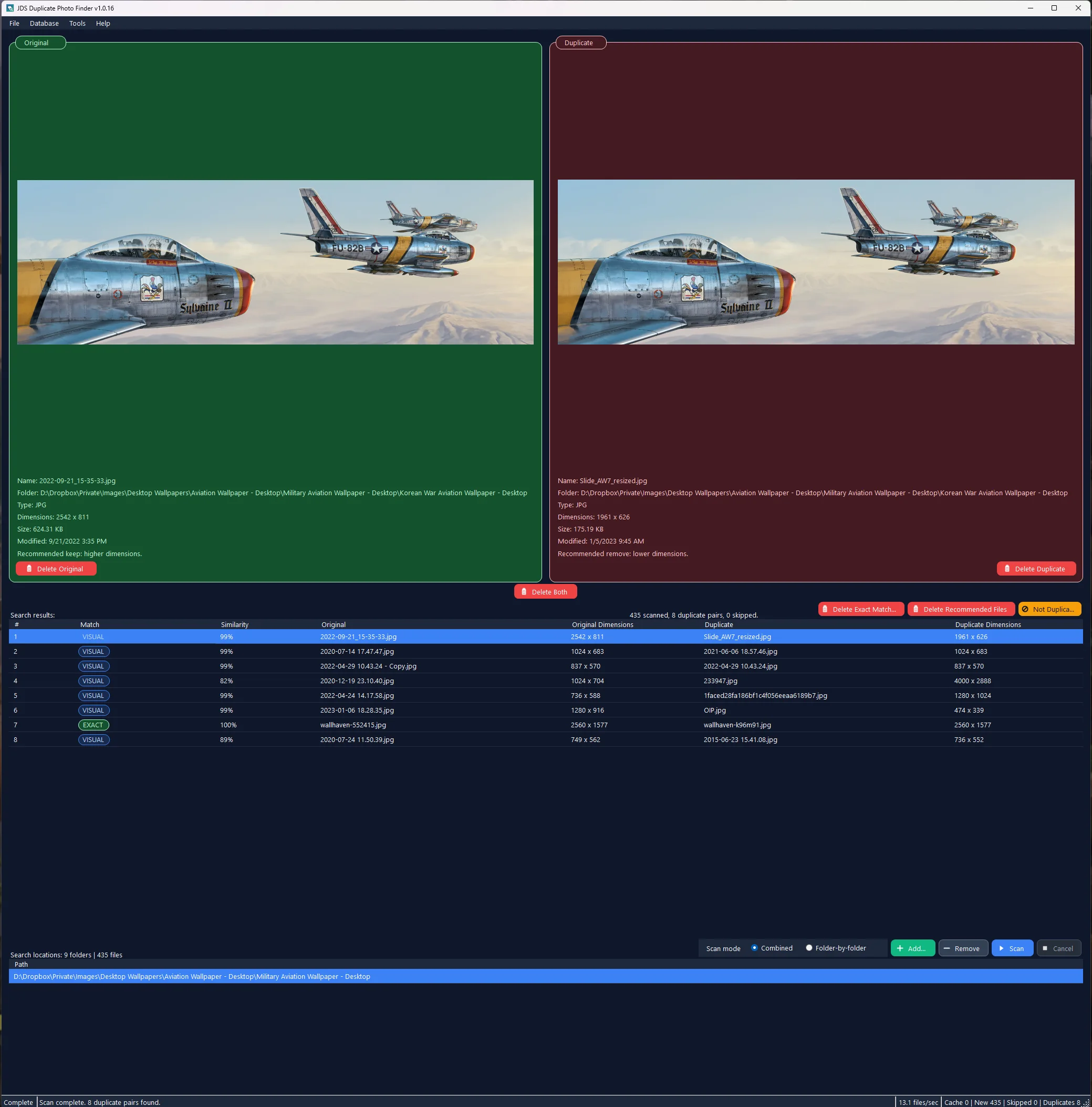
Review image content, match confidence, dimensions, size, dates, and the reason behind the keep or remove recommendation.
Local-first by design
Scanning, image analysis, previews, settings, and the reusable cache all run locally on your Windows PC. The app does not upload photos, hashes, scan results, logs, settings, or diagnostics.
Made for Windows
JDS Duplicate Photo Finder is a native Windows desktop application designed for folders on your PC, attached drives, and other locations Windows can access.
Good to know
It finds exact byte-for-byte copies and visually similar versions that may have been resized, recompressed, moderately reframed, outpainted, or lightly edited. It can also surface related near-variants for manual review.
No. Photo scanning and analysis run locally. The app does not include photo uploads, cloud processing, telemetry, analytics, or account sign-in.
No. Results are presented for review. You choose which delete action to run, confirmations are enabled by default, and deleted files go to the Windows Recycle Bin by default.
Exact means the file contents are byte-for-byte identical and is the only match type shown as 100%. Visual means image analysis strongly indicates the same image content. Similar identifies a related near-variant and remains review-only.
Yes. Combined mode treats all selected folders as one scan set, which is useful for comparing originals against exports or downloads. Folder-by-folder mode reviews each selected location independently.

JDS Duplicate Photo Finder
Exact matches. Visual copies. Clear evidence.
Your decision, every time.
